How does the internet work? Easy step-by-step explanation for beginners, covering DNS, servers, data packets, browsers, and communication.
Introduction
The internet is a part of our daily life. We use it to search on Google, watch YouTube videos, send emails, scroll social media, and shop online. But have you ever wondered how does the internet work behind the scenes? Many people think the internet is complicated, but the basic idea is actually simple.
In this article, you’ll get an easy explanation of how the internet works, step by step, using simple words. Even if you are a beginner or non-technical person, you will understand it clearly by the end.
What Is the Internet?
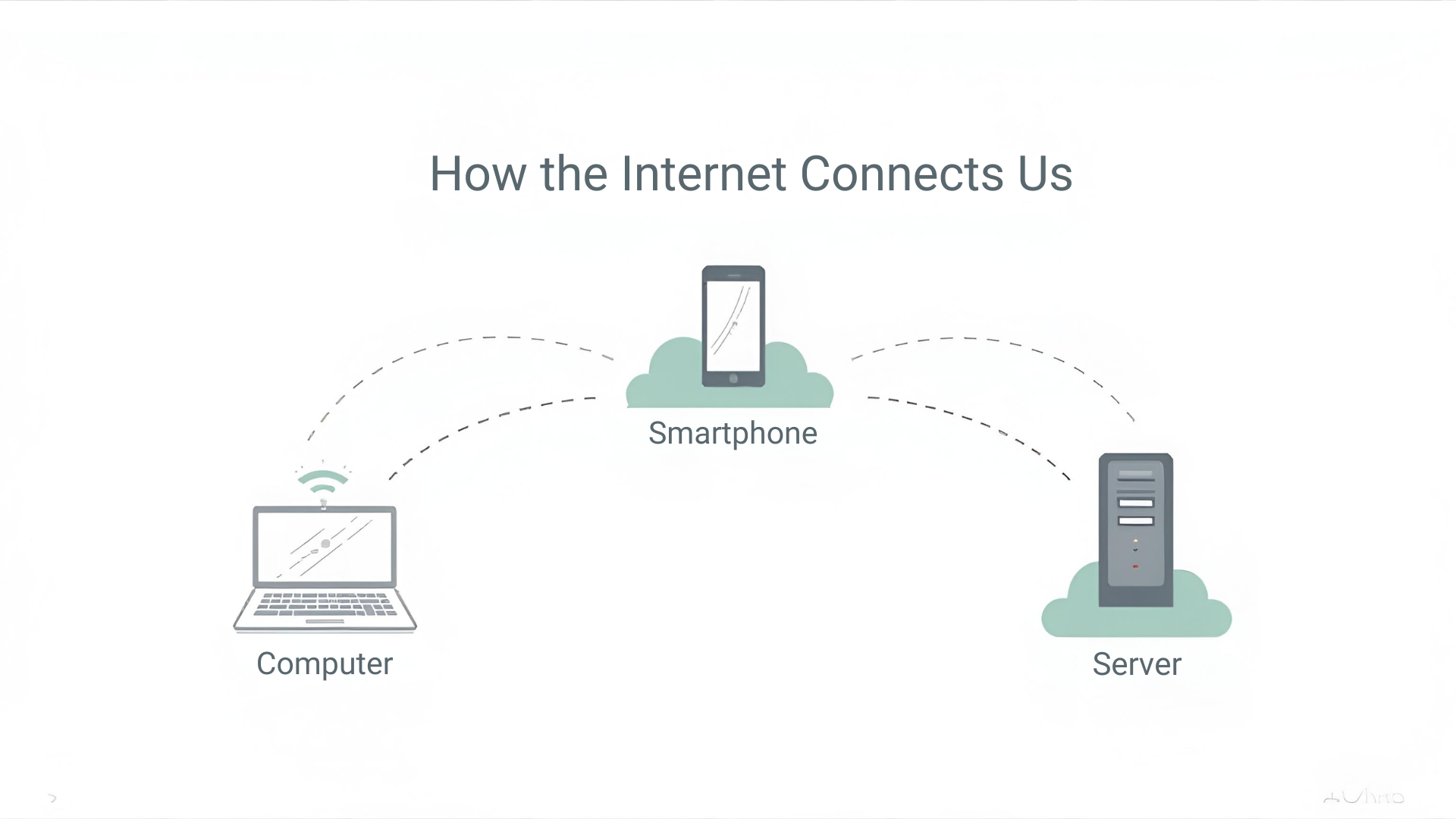
The internet is a global network of computers connected to each other. These computers include servers, laptops, smartphones, and tablets. When all these devices connect and communicate, they form what we call the internet.
Think of the internet like a huge road system. Your device is like a car, and data travels like vehicles moving on roads to reach different destinations. Instead of roads, the internet uses cables, Wi-Fi, and satellites to move information.
How Does the Internet Work? Simple Overview
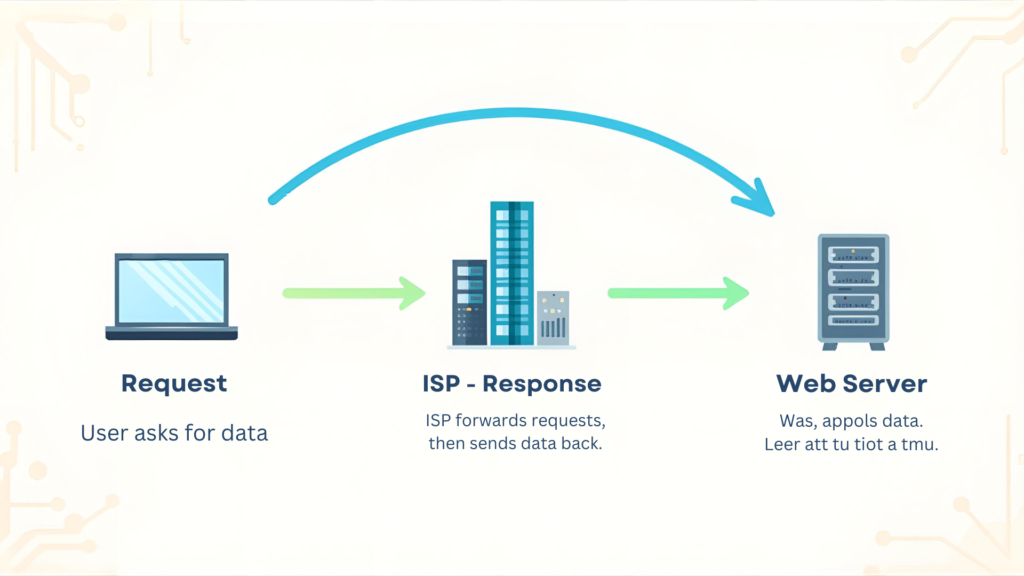
To understand how the internet works, remember these basic steps:
- You request information (for example, open a website)
- Your request travels through the internet
- A server receives the request
- The server sends data back to you
- Your browser shows the website
What Happens When You Type a Website Address?
Let’s break it down in an easy way.
Step 1: You Enter a URL
When you type a website address like www.example.com into your browser, you are asking the internet to find that website for you.
Step 2: DNS Finds the Website
Computers don’t understand website names. They understand numbers called IP addresses.
The DNS (Domain Name System) works like a phone book. It converts the website name into an IP address so your computer knows where to go.
Step 3: Request Sent to the Server
After finding the IP address, your browser sends a request to the website’s server. This server is a powerful computer that stores the website’s data.
Step 4: Server Sends Data Back
The server sends website files such as text, images, and videos back to your device in small pieces called data packets.
Step 5: Website Appears on Your Screen
Your browser puts all the pieces together and displays the website on your screen.
This entire process explains how the internet works step by step.
What Are Data Packets?
The internet does not send data all at once. Instead, information is broken into small pieces called packets.
Each packet contains:
- Part of the data
- Sender’s address
- Receiver’s address
Packets travel through different paths and arrive at your device, where they are reassembled in the correct order.
How Do Devices Connect to the Internet?
There are several ways devices connect to the internet:
Internet Service Provider (ISP)
An ISP is a company that gives you internet access. Examples include cable companies and mobile networks. Your ISP connects your device to the global internet network.
Wired Connections
These include fiber-optic cables and Ethernet cables. They are fast and stable and are often used in homes and offices.
Wireless Connections
Wi-Fi and mobile data allow devices to connect without cables. Wireless signals travel through the air using radio waves.
What Is a Server?
A server is a computer that stores websites, emails, videos, and online data. Unlike personal computers, servers are always connected to the internet and ready to respond to requests.
For example:
- Google servers store search results
- YouTube servers store videos
- Email servers store messages
When you use the internet, you are constantly communicating with servers.
How Do Browsers Work?
A web browser is the software you use to access the internet, such as Chrome, Firefox, or Edge.
Browsers:
- Send requests to servers
- Receive data
- Convert code into readable web pages
They translate HTML, CSS, and JavaScript into the websites you see and interact with.
What Is HTTP and HTTPS?
When data travels on the internet, it follows certain rules called protocols.
HTTP
HTTP stands for HyperText Transfer Protocol. It controls how data is sent between your browser and servers.
HTTPS
HTTPS is the secure version of HTTP. It encrypts data so hackers cannot read sensitive information like passwords or credit card details.
Websites using HTTPS are safer and trusted by search engines.
How Does Email Work on the Internet?
Email works through servers too.
- You write an email
- It goes to an outgoing mail server
- The server finds the receiver’s email server
- The message is delivered to their inbox
Emails travel through the internet in seconds, even across countries.
How Does the Internet Handle Videos and Streaming?

When you watch a video online, it does not download the entire file first. Instead, it streams the video.
Streaming sends small parts of the video continuously so you can watch without waiting. If your internet is slow, the video may buffer because packets are delayed.
Is the Internet Safe?
The internet itself is neutral, but safety depends on how you use it.
Common Online Risks
- Viruses and malware
- Phishing emails
- Fake websites
- Data theft
How to Stay Safe
- Use strong passwords
- Avoid suspicious links
- Use HTTPS websites
- Install antivirus software
Understanding how the internet works also helps you use it safely.
Why Is the Internet Important?
The internet has changed the world by making information easily accessible. It helps in:
- Education and learning
- Online businesses
- Communication
- Entertainment
- Remote work
Without the internet, modern life would be very different.
Why Is the Internet Important?
The internet has changed the world by making information easily accessible. It helps in:
- Education and learning
- Online businesses
- Communication
- Entertainment
- Remote work
Without the internet, modern life would be very different.
Conclusion
So, how does the internet work? In simple words, the internet connects devices worldwide so they can send and receive information. When you open a website, your request travels through networks, servers respond, and data packets return to your screen in seconds.
Even though it feels magical, the internet follows clear steps and rules. Once you understand the basics, it becomes easy and fascinating. This simple explanation helps beginners see that the internet is not complicated—it’s just a smart system working very fast behind the scenes.