What Is Software and Hardware? Explained Simply.
What is software and hardware? Learn a simple explanation for beginners, understand their types, differences, examples, and how software and hardware work together.
Introduction
Computers and digital devices are everywhere in our daily lives. From smartphones and laptops to ATMs and smart TVs, we use technology constantly. But behind every digital device are two important components: software and hardware. To understand how technology works, it is essential to know what is software and hardware and how they work together.
In this article, we will explain software and hardware in very simple words, using easy examples. Even if you are a beginner with no technical background, you will clearly understand these basic computer concepts by the end.
What Is Hardware?
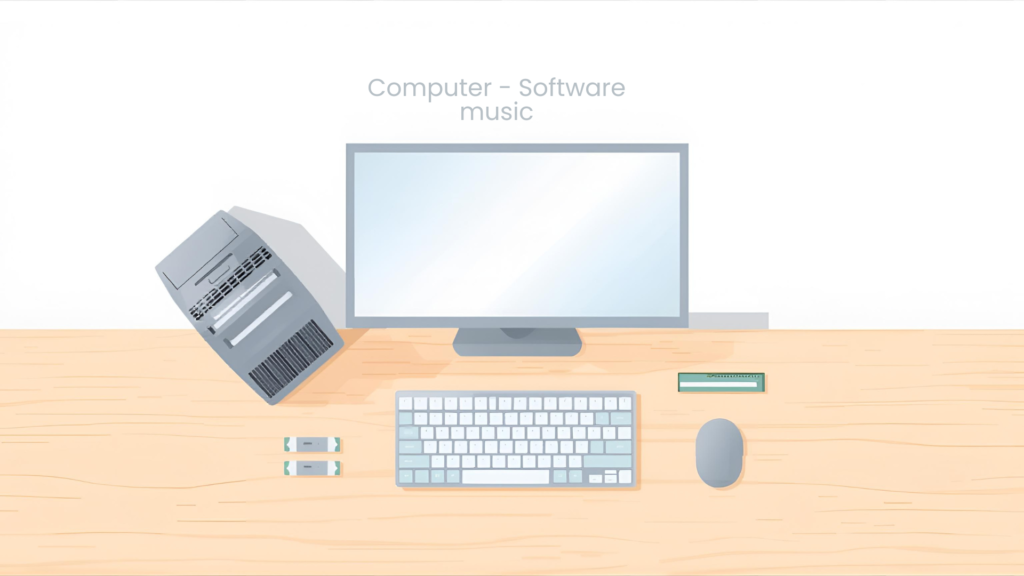
Hardware refers to the physical parts of a computer or digital device. These are the components you can see and touch. Without hardware, a computer cannot exist.
Think of hardware as the body of a computer. Just like the human body needs organs to function, a computer needs hardware parts to work properly.
Examples of Computer Hardware
Some common examples of hardware include:
- Monitor
- Keyboard
- Mouse
- CPU (Central Processing Unit)
- Hard drive or SSD
- RAM (Memory)
- Motherboard
- Printer
- Speakers
All these components work together to make a computer usable.
Types of Hardware
Computer hardware can be divided into several categories based on their function.
Input Devices
Input devices allow users to enter data into a computer.
Examples:
- Keyboard
- Mouse
- Scanner
- Microphone
- Webcam
These devices send instructions or data to the computer for processing.
Output Devices
Output devices show the results of computer processing.
Examples:
- Monitor
- Printer
- Speakers
- Headphones
They help users see, hear, or print information.
Processing Devices
Processing devices perform calculations and make decisions.
Examples:
- CPU
- GPU (Graphics Processing Unit)
The CPU is often called the brain of the computer because it controls all operations.
Storage Devices
Storage devices save data and information.
Examples:
- Hard Disk Drive (HDD)
- Solid State Drive (SSD)
- USB Flash Drive
- Memory Card
They store files, software, and the operating system.
What Is Software?
Software is a set of programs and instructions that tell the hardware what to do. Unlike hardware, software cannot be touched. It exists in digital form.
If hardware is the body, then software is the mind. Hardware without software is useless because it does not know how to operate.
Examples of Software
Some common software examples include:
- Windows
- macOS
- Linux
- Microsoft Word
- Google Chrome
- Photoshop
- Mobile apps
These programs help users perform tasks like writing documents, browsing the internet, or editing images
Types of Software
Software is generally divided into three main types.
System Software
System software controls the computer hardware and provides a platform for other software.
Examples:
- Windows
- macOS
- Linux
- Android
- iOS
Without system software, a computer or smartphone cannot run.
Application Software
Application software is designed for users to perform specific tasks.
Examples:
- Word processors
- Web browsers
- Media players
- Games
- Accounting software
These programs make computers useful for everyday work.
Programming Software
Programming software helps developers create new programs.
Examples:
- Code editors
- Compilers
- Debuggers
- Integrated Development Environments (IDEs)
These tools are mainly used by programmers.
Difference Between Software and Hardware
Understanding the difference between software and hardware is very important.
| Hardware | Software |
|---|---|
| Physical components | Digital programs |
| Can be touched | Cannot be touched |
| Wears out over time | Does not wear out |
| Needs software to work | Needs hardware to run |
Both are equally important and depend on each other.
How Software and Hardware Work Together
Software and hardware always work as a team.
For example:
- When you type on a keyboard (hardware), the software processes the input.
- When you click a mouse, software responds to your action.
- When you open an app, the hardware runs the software instructions.
Without this cooperation, computers would not function.
Software and Hardware in Everyday Life
Software and hardware are not limited to computers. They exist in many devices.
Examples:
- Smartphones
- Smart TVs
- ATMs
- Washing machines
- Cars with digital systems
Every smart device uses both hardware and software.
Why Are Software and Hardware Important?
Software and hardware make modern life easier by:
- Improving communication
- Increasing productivity
- Providing entertainment
- Supporting education
- Helping businesses grow
They form the foundation of today’s digital world.
Common Problems Related to Software and Hardware
Hardware Issues
- Broken screen
- Overheating
- Keyboard not working
- Hard drive failure
Software Issues
- Slow performance
- Software crashes
- Viruses and malware
- App not opening
Knowing whether a problem is software-related or hardware-related helps in fixing it faster.
How to Take Care of Software and Hardware
Hardware Care
- Keep devices clean
- Avoid physical damage
- Use proper ventilation
- Handle with care
Software Care
- Update software regularly
- Install antivirus programs
- Avoid suspicious downloads
- Backup important data
Proper care increases device lifespan.
Future of Software and Hardware
Technology is evolving rapidly. Software is becoming smarter with artificial intelligence, while hardware is becoming faster and smaller. Cloud computing, smart devices, and automation are shaping the future.
Both software and hardware will continue to work together to create advanced technologies.
Conclusion
So, what is software and hardware? Hardware includes the physical parts of a computer, while software includes the programs that control those parts. They depend on each other to function properly.
Understanding these basics helps beginners feel more confident with technology. Once you know how software and hardware work together, using digital devices becomes much easier and more enjoyable.